
EXT-01 · SCREEN RECORDING · LIVE ON CHROME
Tabreel
Screen Studio for browser tabs. Record any tab, then cut in auto-zoom, cursor effects and a styled frame — 100% local.
01 /Overview
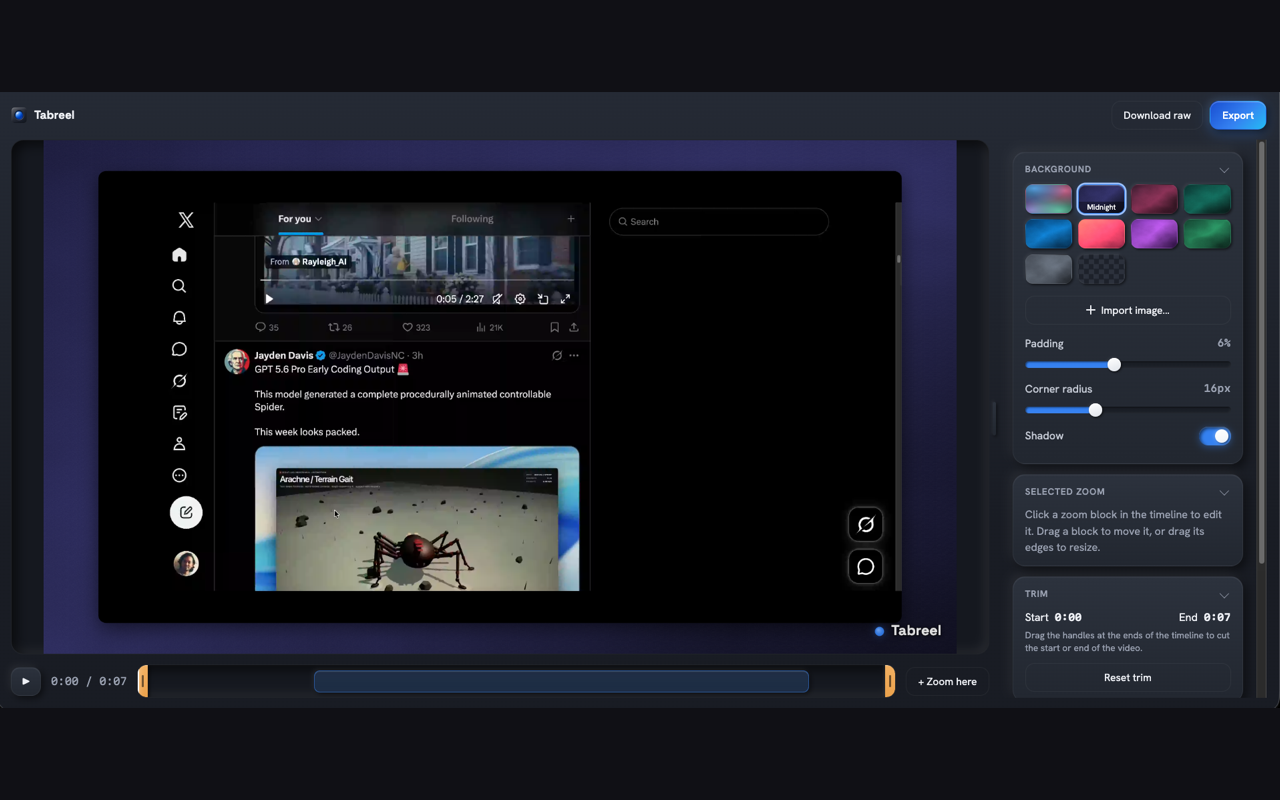
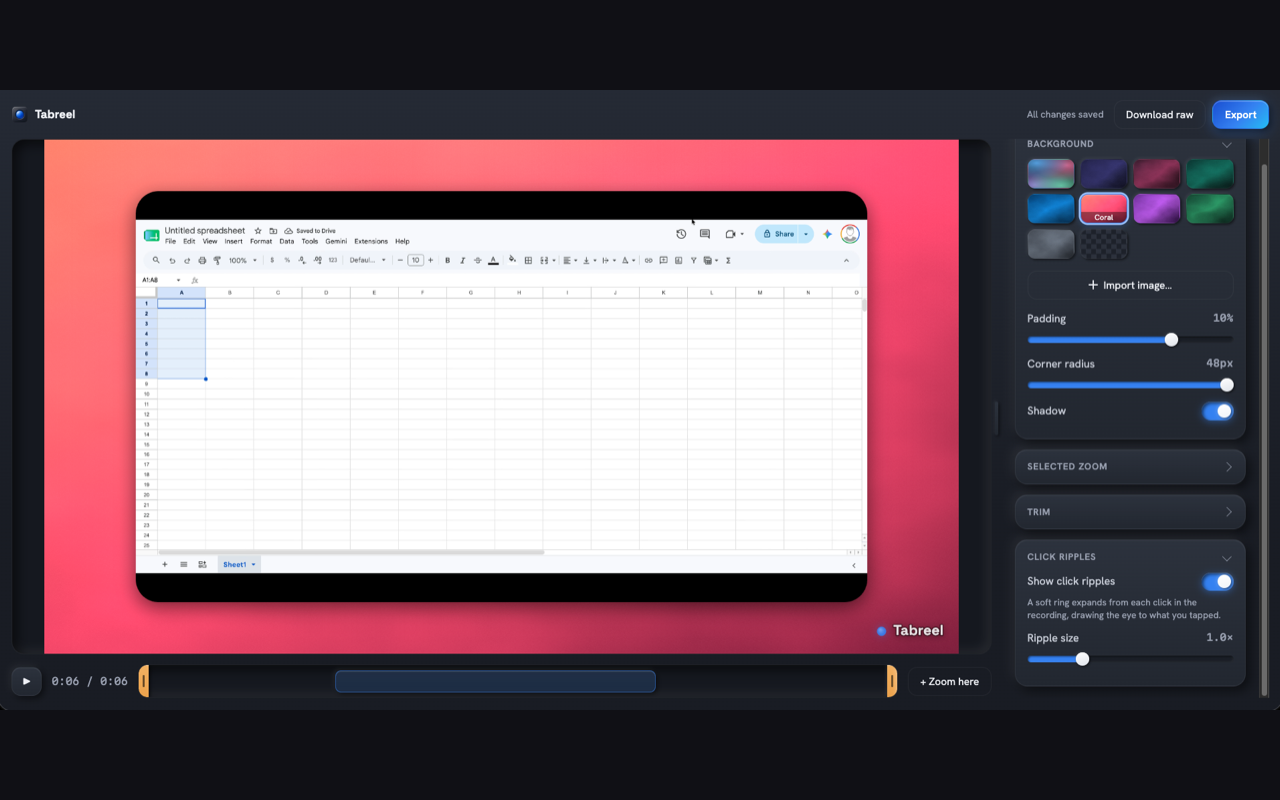
Tabreel records browser tabs the way Screen Studio records screens: capture clean raw footage first, then apply the polish. Clicks are clustered into zoom segments driven by a spring camera that eases in, pans, and settles — every segment adjustable in the built-in editor.
Click ripples, an optional smooth gliding cursor, and a styled frame with gradient or animated shader backdrops turn a plain capture into a product demo. Export re-renders offline via WebCodecs to MP4 (H.264) or WebM (VP9), straight to disk through a normal save dialog — no upload, no account, no watermark surprises.
Granted permissions
tabCapture
offscreen
storage
downloads
activeTab
scripting
02 /Capabilities
- Tab recording with tab audio and optional microphone mix
- Auto-zoom: clicks become spring-camera zoom segments
- Click ripples and a Screen Studio-style smooth cursor
- Styled frames — gradients, animated shaders, ambient light
- Built-in editor with a precomputed 60 Hz camera path
- Offline export to MP4 / WebM via WebCodecs
03 /Field captures
04 /Privacy dossier
Everything runs on your machine — nothing is uploaded anywhere. No network requests, no analytics, no telemetry, no account.
Recordings live in local IndexedDB until you export or delete them. During active recording the content script collects only normalized pointer coordinates — never page content, URLs, form data or keystrokes.
Read the full policy