
EXT-05 · NETWORK ANALYZER · LIVE ON CHROME
NetSniffer
Wireshark-inspired network traffic analyzer with a cyberpunk FUI. Capture, inspect, replay, mock.
01 /Overview
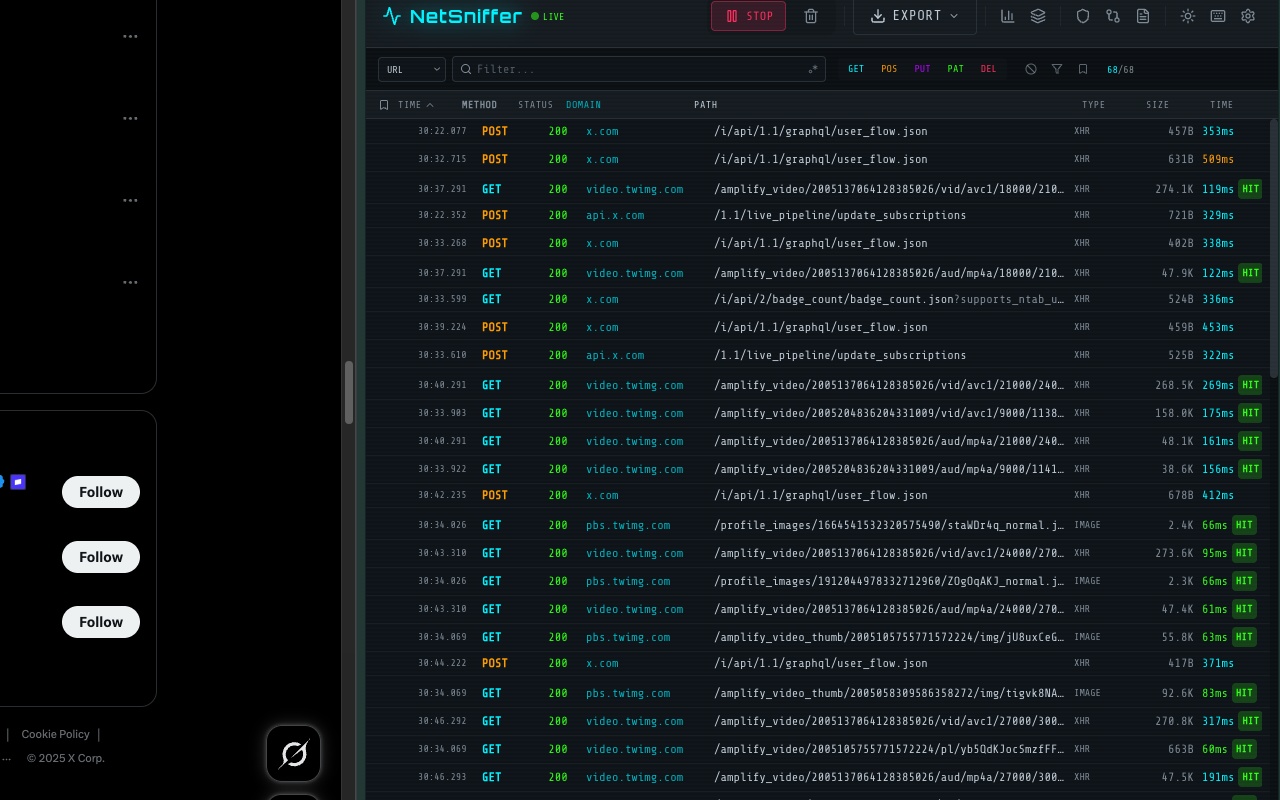
NetSniffer brings professional-grade network analysis to the browser. Driven by the Chrome DevTools Protocol, it captures XHR, Fetch, WebSocket and every other resource type in real time — with per-tab isolation and a ring buffer holding 5,000 packets per tab.
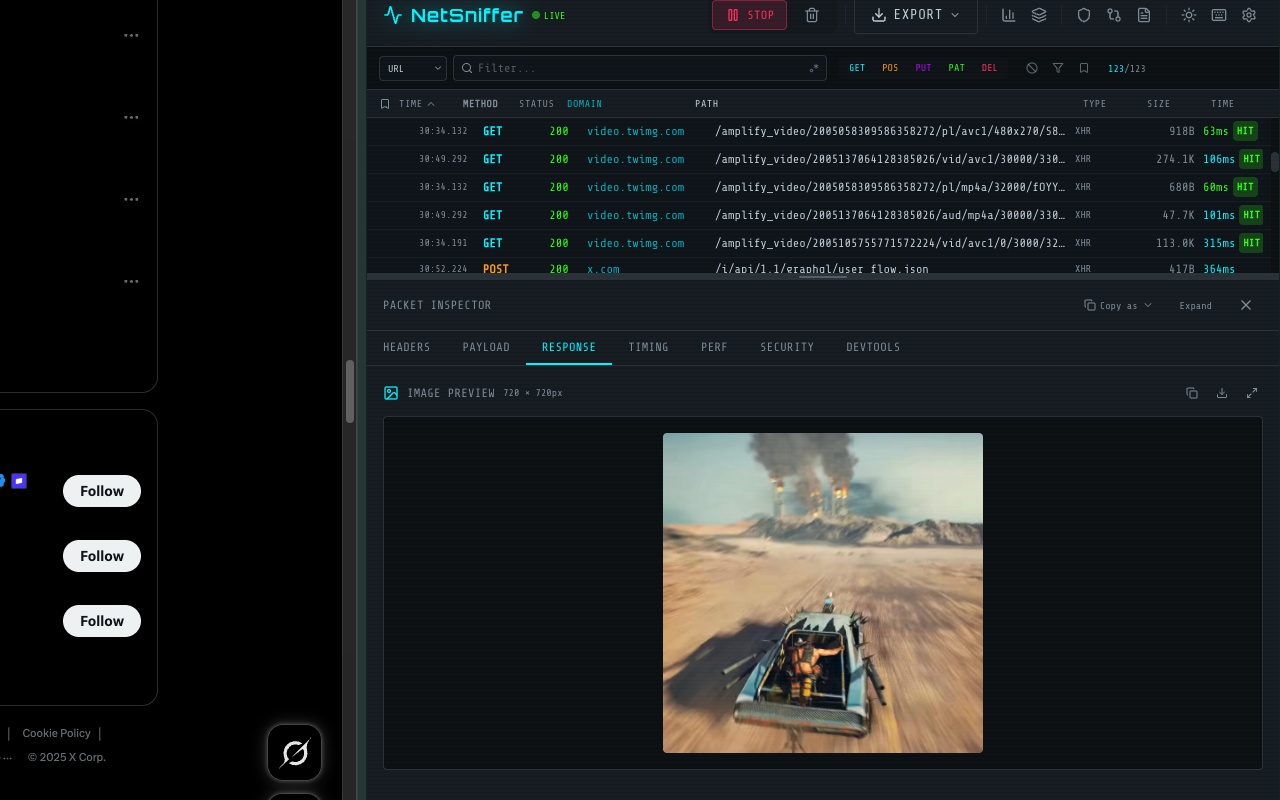
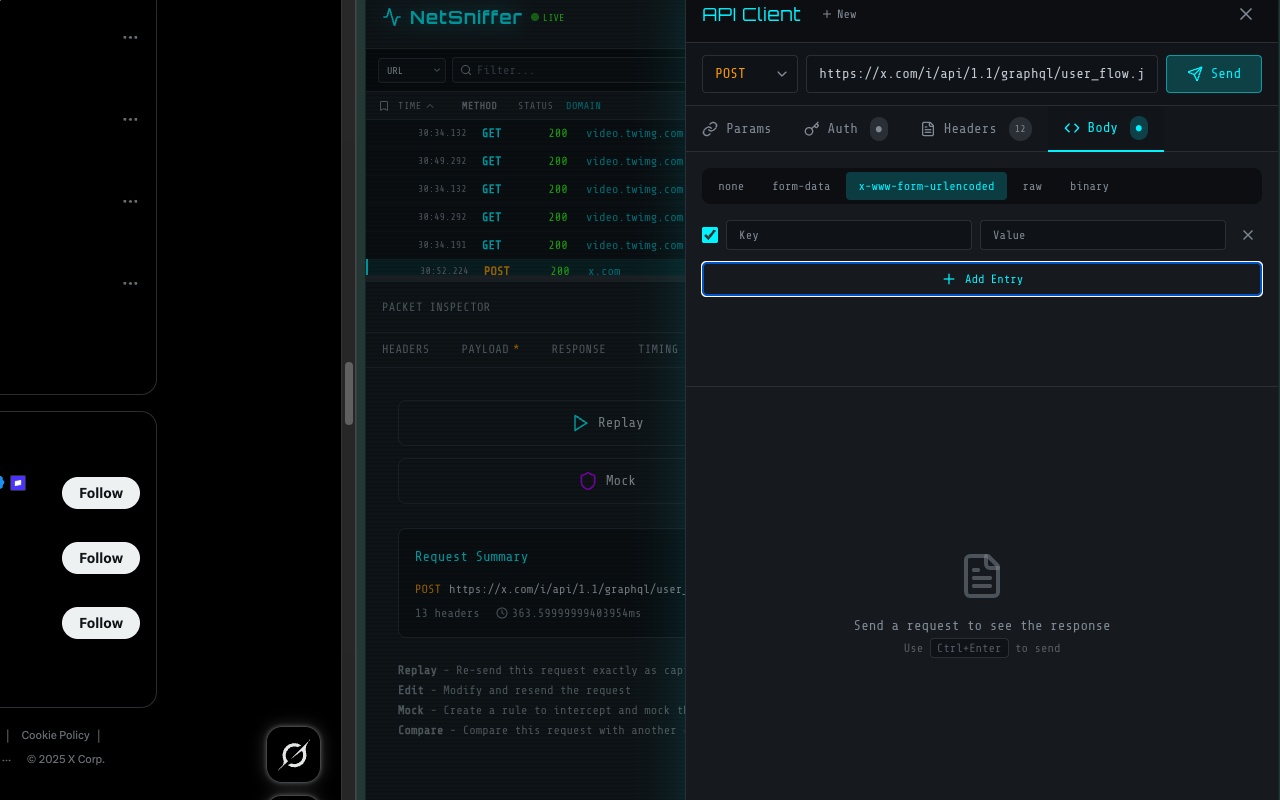
Inspect headers and bodies with syntax highlighting and smart decoding for Base64, URL encoding and JWT; break down timing from DNS to TTFB; filter with a query syntax and regex. Then replay, modify or mock requests — or export to cURL, fetch, axios and HAR.
Granted permissions
debugger
sidePanel
tabGroups
tabs
scripting
activeTab
02 /Capabilities
- Real-time capture via Chrome DevTools Protocol
- Per-tab isolation with a 5,000-packet ring buffer
- JSON tree viewer and DNS → TTFB timing breakdown
- Smart decode for Base64, URL encoding and JWT
- Filter syntax with regex: status:200 method:POST
- Replay, mock, export to cURL / fetch / axios / HAR
03 /Field captures
04 /Privacy dossier
Processes browsing activity, website content and authentication data locally for user-requested traffic analysis. The developer never receives captured traffic.
No analytics, advertising or cloud backend. User-directed requests go only to selected endpoints, while optional MCP access uses an authenticated loopback-only bridge.
Read the full policy